
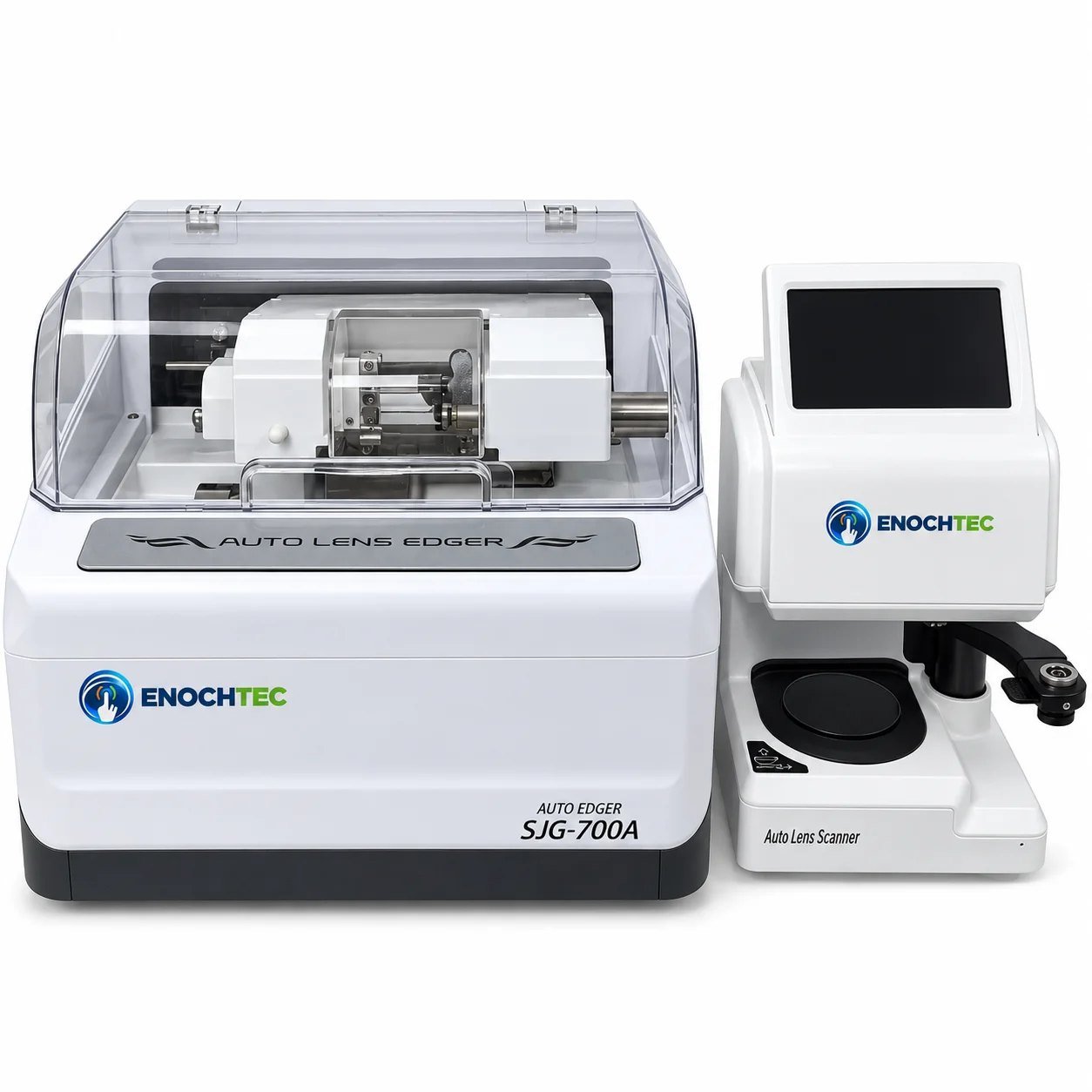
SJG-700A Entry-level lens edger, one scanner for two edgers
A two-unit edging system for shops taking their first step into scanner-guided edging: an optical scanner that captures the frame shape and centers the lens, and an automatic edger that sets the bevel position for you and polishes bevelled and flat edges. One scanner can feed two edgers, so a growing lab adds a second edger without buying a second scanner. It edges resin, high-index and polycarbonate lenses.
Delivery, packing and documents
What the SJG-700A does
One scanner, two edgers
The scanner connects to up to two edgers, so one operator can trace and center while two machines grind.
Automatic bevel position
Sets the bevel automatically, with several modes for placing it on the edge of thin and thick lenses.
Scan and center in one step
Optical scanning, center positioning and processing setup in one unit, with the frame shape captured in 0.5 seconds.
Corrected centering image
Live imaging on a 7-inch 1280 × 800 touch screen, with the lens’s power, prism and parallax removed from the view.
Essilor chuck
An Essilor chuck holds the lens accurately on its axis during grinding, with several grinding pressures for different lenses.
Polished edges and auto calibration
Polishes both bevelled and flat edges and calibrates itself, for low-maintenance daily use.
SJG-700A in figures
Published specifications. Anything not listed here is confirmed in writing on your quotation, never estimated.
The scanner and the edgers are connected for data. One scanner connects to up to two edgers.
Edger
- Edge profiles
- Bevel, polished bevel, polished flat
- Bevel placement
- Automatic, several position modes
- Chuck
- Essilor chuck
- Lens materials
- Resin, high-index, polycarbonate
- Lens size range
- 22–80 mm
- Grinding wheel
- Ø100 mm
- Clamping pressure
- 3 levels
- Voltage
- AC 220 V / 110 V, 50/60 Hz
- Power
- 550 W
- Dimensions
- 625 × 510 × 510 mm
- Weight
- 49 kg
Scanner
- Shape capture
- 0.5 s
- Functions
- Optical scanning, centering and processing setup
- Screen
- 7" capacitive touch screen, 1280 × 800
- Screen tilt
- 20°–100°
- Connectable edgers
- 2
- Voltage
- AC 220 V / 110 V, 50/60 Hz
- Power
- 60 W
- Dimensions
- 240 × 180 × 130 mm
- Weight
- 5 kg
Your first scanner-guided edger
Who it suits
Shops that send most jobs to an outside lab, or edge on a hand edger, usually move in-house when the monthly lab bill and the turnaround start to hurt. The SJG-700A is built for that step: the scanner reads the frame and centers the lens for you, so a new operator does not need to make patterns or mark centers by hand.
Why one scanner for two edgers matters
Tracing and centering take less time than grinding. In a busy shop, one person at the scanner can keep two edgers working. The SJG-700A scanner connects to two edgers, so when volume grows you add a second edger and keep the same scanner and workflow.
Choosing the bevel position
The bevel is the V-shaped ridge that sits in the frame’s eyewire. On a thin lens it usually sits in the middle of the edge; on a thicker minus lens, moving it closer to the front surface hides more of the edge behind the rim. The SJG-700A sets the bevel position automatically, and you can switch to another position mode when a lens or frame needs it.
Check before you order
- Frame types: bevel and flat edges cover full-rim work. It does not groove or drill: add the CP-3-800 for semi-rimless or the CP-24A for drill mounts.
- Lens materials: resin, high-index and polycarbonate are listed. Glass is not; for glass, see the SJG-900.
- Lens sizes: 22–80 mm.
- Bench space: 625 × 510 mm for the 49 kg edger and 240 × 180 mm for the scanner, with room for water supply and drainage. Plan space for a second edger if you expect to add one.
- Power: 550 W per edger and 60 W for the scanner, ideally on a dedicated circuit with no extension cords.
- Consumables to order with it: blocking pads and suction cups that fit the chuck, plus spare wheels.
Good practice
- Scan the frame and check the traced shape on the scanner screen.
- Center the lens on the live image and block it.
- Choose the lens material and the edge type; check the automatic bevel position and change the mode if needed.
- Pick the clamping pressure: lower for slippery coated lenses.
- Edge, check the size against the frame before removing the block, and polish if the edge will show.
- Mount and do a final check against your tolerance standard (ANSI Z80.1 in the US).
Care and maintenance
- Rinse the grinding chamber daily and change the water regularly.
- Clear polycarbonate and high-index swarf from the chamber and chuck pads between jobs.
- Keep the scanner’s lens table and optics clean; dust shows up in the image.
Background sources: Edger basics (20/20 Magazine) · Getting an edge-ucation (20/20 Magazine)
Often ordered with the SJG-700A
SJG-700A questions
Can one scanner really run two edgers?
Yes. The SJG-700A scanner connects to up to two edgers, so you can add a second edger later without a second scanner.
How is the bevel position set?
Automatically, at preset positions for thinner and thicker lenses. For high-curve lenses or a custom bevel position, the SJG-910A measures the lens with a probe.
Can the SJG-700A edge glass lenses?
Glass is not listed; resin, high-index and polycarbonate are. For glass on a scanner-based system, see the SJG-900.
Does it groove semi-rimless lenses?
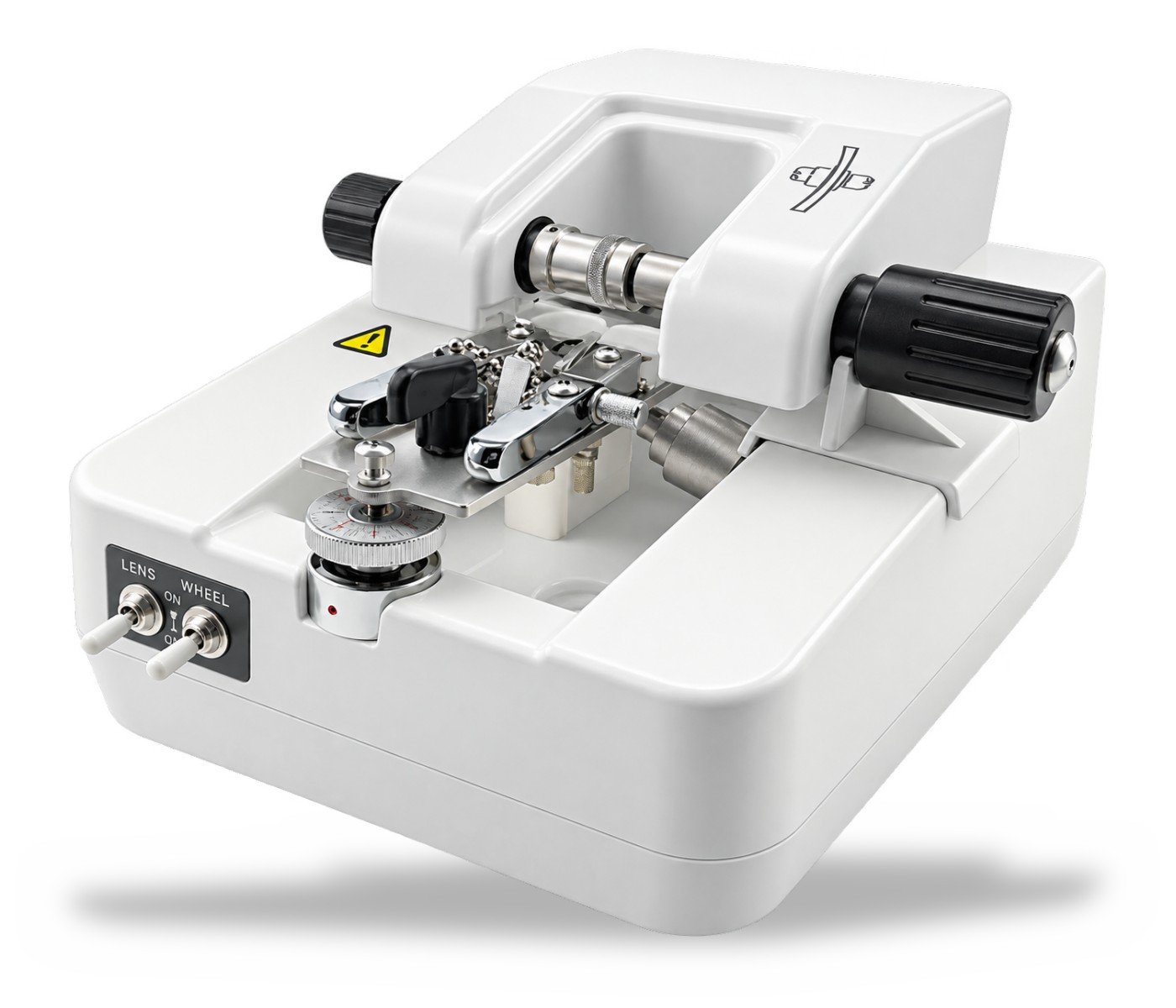
No. For nylon-cord frames add the CP-3-800 groover, or choose the SJG-1000AK, which grooves on the edger.
SJG-700A or ALE-1900?
Both work with a separate scanner. The SJG-700A scanner can feed two edgers, and the edger sets the bevel automatically on an Essilor chuck; the ALE-1900 has a servo wheel motor and an 8" scanner screen. Tell us your volume and we compare both on the quotation.